Ready to Build a Stronger Digital Presence?
Whether you're launching a new business website, improving an ecommerce store or looking for ongoing digital support, let's discuss what your business needs next.
De-Faith Concept | Website Design & Digital Solutions

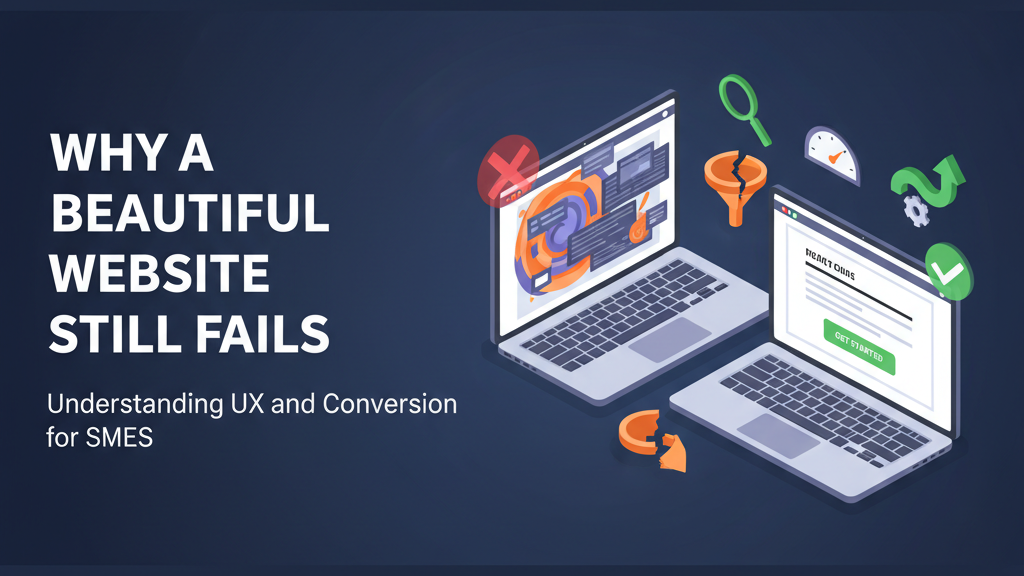
Many SMEs invest in a website that looks modern and professional—yet it still doesn’t bring leads, enquiries, or sales. This is more common than most business owners think. A website can look “premium” and still fail because design is not the same as conversion.
In this post, I’ll explain why beautiful websites underperform, what UX really means for SMEs, and the practical changes that turn a good-looking website into a revenue-generating asset.
For most SMEs, a website should do three jobs:
Communicate clearly: What you do, who you help, and why you’re the right choice.
Build trust quickly: Proof, credibility, and reassurance that you’re legitimate.
Guide action: Make it easy to call, WhatsApp, book, request a quote, or buy—without friction.
If a site looks good but fails any of the above, conversion drops—no matter how nice the fonts and colours are.
A common issue is a “beautiful” homepage with headings like “Welcome to our website” or “We deliver quality services” with no specifics. Visitors don’t have time to guess what you do or whether you’re for them. If your value proposition is unclear above the fold, people bounce.
Fix:
Use a clear headline: “We help [who] get [result] with [service].”
Add 3–5 bullet benefits that match what customers actually care about.
Add one primary call-to-action (CTA): “Get a Quote,” “Book a Call,” “Shop Now,” etc.
Even small UX problems can kill conversions:
Confusing navigation
Buttons that don’t look clickable
Forms that are too long
Pages that feel cluttered
Missing or hidden contact details
A visitor might like the design but still leave because the experience is frustrating.
Fix:
Simplify menu options.
Make CTAs visually obvious and repeated at key points.
Shorten forms to essential fields only and make them work perfectly on mobile.
Many beautiful websites are heavy: large images, animations, sliders, and too many scripts. Slow sites cause drop-offs, especially on mobile. When speed drops, conversions drop.
Fix:
Compress and resize images (this alone helps a lot).
Use caching, remove unnecessary plugins/scripts, and test key pages regularly.
Prioritise mobile performance over fancy visual effects.
SME customers often need reassurance before they take action. If a visitor can’t quickly confirm that you’re real and reliable, they won’t call or pay.
Common trust gaps:
No testimonials
No portfolio/case studies
No clear address/location
No guarantees or process explanation
No real photos of the team, office, or work
Fix:
Add trust elements near your CTAs:
Testimonials with names (and photos if possible)
Client logos or past work examples
“How it works” section (simple steps)
Clear contact info and location
Policies for ecommerce (delivery, returns, payment reassurance)
If you’re not tracking your website’s key actions, you’re guessing. Many SME sites have no analytics set up, so owners don’t know:
How many visitors came this month
Which pages people visited
How many enquiries or orders came from the site
Where people dropped off
Fix:
Set up basic tracking and measure:
Visits (sessions)
Enquiries/orders
Conversion rate = enquiries/orders ÷ visits
WhatsApp/call clicks and form submissions as tracked events
Once you measure, you can improve systematically.
If you want a simple standard to assess your website, start here:
Clear headline stating what you do + who you help
One primary CTA above the fold
Easy navigation (4–6 main items max)
Mobile-first layout (no broken sections, easy tap targets)
Fast loading key pages (home, service/product, contact/checkout)
Short forms, no friction, clear error messages
Trust elements close to CTAs
Analytics installed + conversions tracked
Here’s a practical approach:
Run a website audit (technical + UX + SEO + performance).
Prioritise “high impact, low effort” fixes first (clarity, CTA placement, form simplification, speed basics).
Measure results for 30 days and then optimise the next weakest part of the funnel.
This is how SMEs turn websites into consistent lead and sales channels instead of online brochures.
If you suspect your website looks great but doesn’t generate results, I can help.
Request a website audit for SMEs (technical, SEO, UX, performance).
Or ask for a 30‑day conversion improvement plan where we implement key fixes and track results.