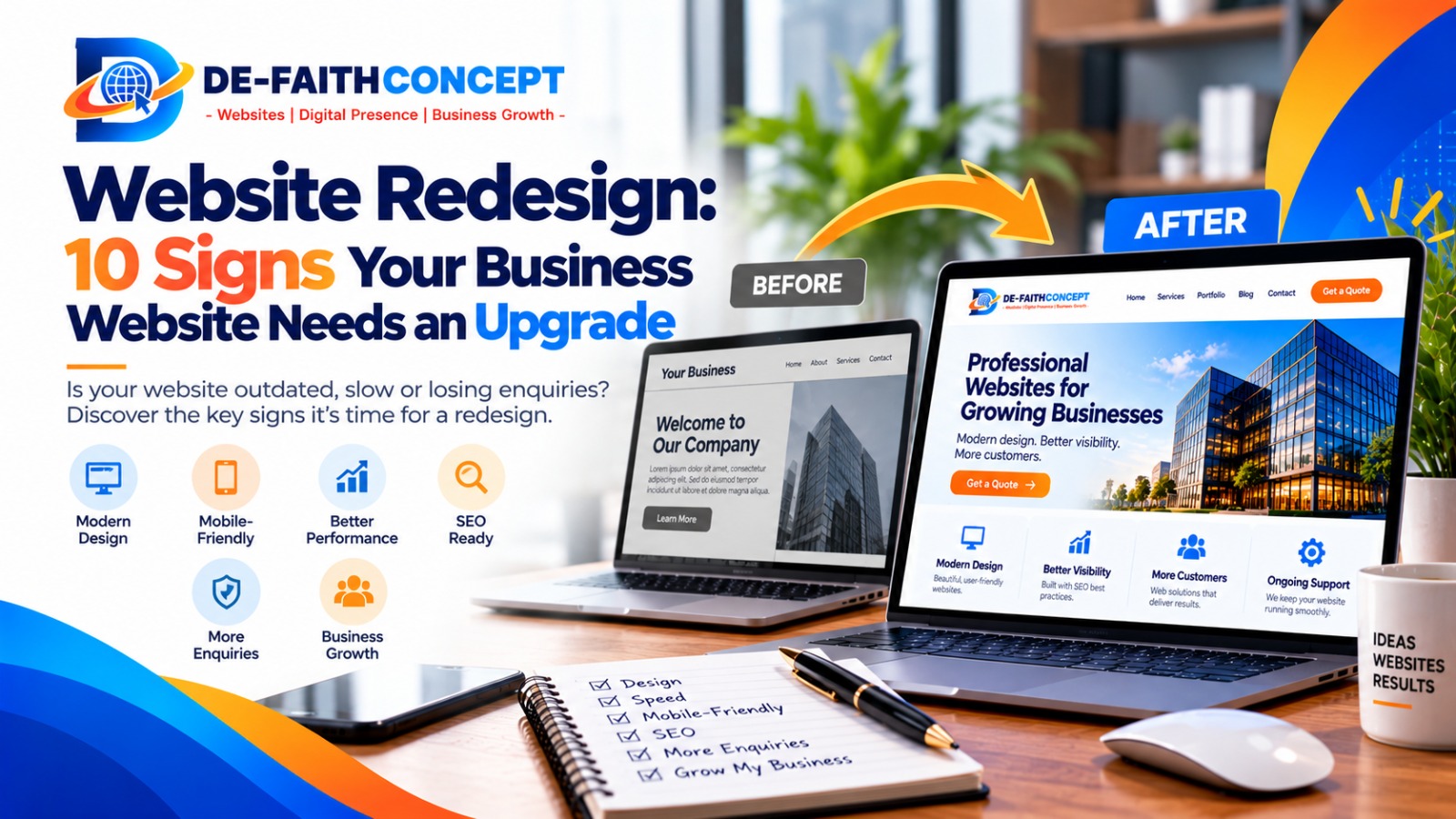
Your business website is often one of the first places potential customers go to learn about your company. It introduces your services, communicates your value and helps visitors decide whether they can trust you.
But what happens when your website no longer reflects your business, works poorly on mobile devices or fails to generate meaningful enquiries?
You might be tempted to keep using it because it still loads and contains your business information. However, a website that technically works may still create a poor experience for visitors or make it harder for your business to grow.
A website redesign can help address these issues by improving the website’s appearance, structure, usability, performance and ability to support your business goals.
In this guide, we’ll cover 10 signs that your business website may need an upgrade, when a redesign makes sense and what to consider before investing in one.
What Is a Website Redesign?
A website redesign involves making significant improvements to an existing website’s visual design, structure, content, user experience or functionality.
Depending on the problems you need to solve, a redesign might involve updating the layout, simplifying navigation, improving mobile usability, rewriting key pages, strengthening calls to action or changing the underlying technology.
Not every problem requires a complete rebuild. Sometimes, targeted improvements to a few pages or technical issues can deliver what your business needs.
The first step is to identify what is not working and determine the most practical solution.
10 Signs Your Business Website Needs a Redesign
1. Your Website Looks Outdated
Your website should reflect the current quality and identity of your business.
If the design looks dated, the layout feels cluttered, the typography is difficult to read or the images no longer represent your brand, visitors may form an unfavourable first impression.
Common warning signs include:
- Inconsistent colours, fonts and spacing.
- Low-quality or irrelevant images.
- Crowded layouts with too much information.
- Outdated branding or business details.
- Design elements that look awkward on modern screens.
An outdated appearance does not automatically mean your website needs a complete rebuild. A focused visual refresh may be sufficient if the underlying structure and technology are still suitable.
The objective is not simply to make the website look fashionable. It is to present your business professionally and make information easy to understand.
2. Your Website Does Not Work Well on Mobile Devices
Potential customers may visit your website using smartphones, tablets, laptops or desktop computers.
If your website is difficult to navigate on a phone, visitors may struggle to read your content, tap buttons, complete forms or find your contact information.
Test your website on several screen sizes and look for:
- Text that is too small to read comfortably.
- Buttons that are difficult to tap.
- Menus that do not open or close correctly.
- Images that overflow the screen.
- Forms that are difficult to complete.
- Important information hidden far down the page.
A mobile-friendly redesign should make the experience straightforward across different devices.
Before investing in a rebuild, check whether the problems can be corrected through responsive design adjustments. If the existing theme or website structure makes these improvements difficult, a broader redesign may be worthwhile.
3. Your Website Loads Slowly
A slow website can frustrate visitors and make important tasks harder to complete.
Pages that take too long to load may discourage potential customers from exploring your services, viewing products or submitting enquiries.
Possible causes include oversized images, unsuitable hosting, excessive scripts, poorly configured caching or unnecessary plugins.
You can start by checking important pages with Google PageSpeed Insights.
Look at both mobile and desktop results, and pay attention to the recommendations rather than relying on a single score.
A slow website does not always need a redesign. Performance optimisation may solve the problem. However, if the site’s structure or technology makes reliable improvements difficult, redesigning the affected parts—or the whole site—may be the better long-term option.
4. Your Website Is Not Generating Enquiries or Sales
One of the most important questions to ask is whether your website supports your business goals.
If visitors arrive but rarely contact you, request quotes, book appointments or purchase products, something in the customer journey may need attention.
Possible issues include:
- Unclear service descriptions.
- Weak or missing calls to action.
- Complicated contact forms.
- Poorly organised service or product pages.
- Insufficient information to help customers make decisions.
- Missing trust signals, such as genuine testimonials or relevant project examples.
Before deciding on a redesign, examine your website analytics, enquiry records and customer feedback where available.
A website may attract the wrong audience, have limited search visibility or present an offer that needs clarification. A new design alone will not necessarily solve these issues.
A redesign is most useful when it addresses specific problems that prevent visitors from taking the actions your business needs.
5. Your Business Has Changed, but Your Website Has Not
Businesses evolve. You may have introduced new services, expanded into different markets, changed your pricing or repositioned your brand.
If your website still reflects an older version of your business, potential customers may receive inaccurate or incomplete information.
For example, a company that previously served customers in one city may now work with clients across Nigeria, the United States and Canada. Its website may need clearer service information, more relevant examples and better ways for international prospects to enquire.
Review whether your website accurately communicates:
- Your current services and products.
- Your ideal customers and service areas.
- Your business strengths and differentiators.
- Your current contact details.
- Your brand identity and business direction.
If the changes affect many pages, the overall navigation or the way your business presents itself, a redesign may be more effective than making isolated edits.
6. Visitors Struggle to Find Important Information
A good website helps people find what they need without unnecessary effort.
If visitors have to search repeatedly for your services, prices, contact information or answers to common questions, your website structure may need improvement.
Common navigation problems include:
- Too many menu items.
- Confusing page names.
- Important pages buried several clicks deep.
- No clear path from a service description to an enquiry.
- Poorly organised product or service categories.
Try asking someone unfamiliar with your business to find a particular service and contact you. Observe where they hesitate or become confused.
A redesign can simplify the navigation, reorganise pages and make important actions easier to locate.
For additional guidance, review our website audit checklist for Nigerian small businesses.
7. Your Website Is Difficult to Update or Maintain
Your website should be manageable after launch.
If updating a service description requires complicated work, adding a new page is unnecessarily difficult or plugins frequently cause problems, your current setup may no longer suit your needs.
Consider whether:
- Your content management system is still appropriate.
- The theme or plugins are outdated or unsupported.
- You can safely update content when needed.
- Backups and security updates are handled reliably.
- Your website can support the features your business now requires.
Sometimes, maintenance, training or technical repairs will be enough. In other cases, moving to a more suitable platform or rebuilding parts of the website may reduce future difficulties.
Before replacing anything, confirm that you have access to your domain, hosting, website files and relevant accounts. You should also understand how your content and data will be transferred.
8. Your Website No Longer Reflects Your Brand’s Credibility
Your website should give visitors a consistent and credible picture of your business.
If the content contains outdated information, the design looks inconsistent or important trust signals are missing, potential customers may hesitate before contacting you.
Depending on your business, useful improvements may include:
- Clear and accurate service descriptions.
- A well-written About page.
- Genuine testimonials and reviews.
- Relevant project examples or case studies.
- Professional contact information.
- Clear explanations of your process and terms.
Do not add trust signals simply for decoration. Use genuine information that helps visitors understand your experience and make informed decisions.
If your business has grown but your website still presents it as a much smaller or different operation, a redesign may help bring your online presence into line with your current position.
9. Your Website Is Difficult to Find Through Search
A website redesign may be worth considering if your pages have technical problems, poor information architecture or content that no longer matches what potential customers are searching for.
Warning signs can include:
- Important pages missing from Google’s index.
- Confusing page titles and headings.
- Duplicate or outdated content.
- Broken internal links.
- Poorly structured service pages.
- Technical issues affecting crawling or usability.
However, a redesign does not automatically improve search rankings. Rankings depend on many factors, including the usefulness of your content, competition, relevance and technical accessibility.
Before making major changes, review Google Search Console to understand your site’s search impressions, clicks, indexing status and any reported issues.
If you decide to redesign, plan the SEO work alongside the design and development process. Keep valuable URLs where possible, map changed URLs to relevant replacements, implement appropriate redirects and test important pages after launch.
Google provides useful guidance in its SEO Starter Guide.
10. Your Website Cannot Support Your Next Stage of Growth
Your website may have been suitable when your business first launched but may no longer support your current plans.
Perhaps you now need online bookings, a larger product catalogue, payment integration, membership features or separate landing pages for different services.
An upgrade may be appropriate if your website cannot support these requirements reliably or if adding new functionality has become unnecessarily complicated.
Before rebuilding, list the features you actually need and distinguish essential requirements from optional extras.
For example:
- A consulting firm may need appointment scheduling and consultation enquiry forms.
- An ecommerce business may need better product organisation and a smoother checkout.
- A training company may need course registration and learning management features.
- A professional services firm may need dedicated service pages and stronger lead-generation pathways.
A well-planned redesign should solve current problems while allowing reasonable room for future growth.
Should You Redesign Your Website or Just Fix It?
Not every website problem requires a complete redesign. The right approach depends on the condition of your current site, the extent of the problems and your business objectives.
Targeted improvements may be enough if:
- Your website structure is sound.
- Only a few pages need updating.
- The main problems involve speed, broken links or minor design issues.
- Your existing platform supports your requirements.
- Your website performs well overall but needs specific conversion improvements.
A more comprehensive redesign may be appropriate if:
- The overall layout and navigation no longer suit your business.
- Mobile usability problems affect much of the site.
- Your business model or services have changed significantly.
- The existing platform cannot support important functionality.
- Multiple pages need substantial restructuring.
- Ongoing technical limitations make improvements difficult.
A professional website audit can help you distinguish between problems that need quick fixes and those that justify a larger investment.
How to Plan a Successful Website Redesign
Once you decide an upgrade is necessary, planning helps reduce avoidable costs and disruption.
Step 1: Define your goals
Decide what the redesigned website should achieve. Your priorities might include generating more qualified enquiries, improving mobile usability, increasing online sales or communicating your services more clearly.
Step 2: Review the existing website
Identify what works, what does not and which pages attract valuable visitors. Use available analytics, search data and customer feedback to inform your decisions.
Step 3: Prioritise the right improvements
Create a list of essential changes before considering optional features. This helps keep the project focused and makes it easier to compare proposals.
Step 4: Protect your SEO
Document important URLs and review which pages already attract search traffic. Plan redirects for changed URLs, preserve valuable content and test indexing and links after launch.
Step 5: Choose the right web design partner
Look for a provider who understands your business goals, explains the proposed solution clearly and can demonstrate relevant experience. Agree on the scope, deliverables, timeline, costs, ownership and post-launch support before work begins.
Step 6: Test before launch
Check mobile responsiveness, forms, links, navigation, performance, security and important conversion paths. Make sure the website works as expected before directing customers to the new version.
How Much Does a Website Redesign Cost?
Website redesign costs vary according to the size of the website, the condition of the existing platform, design requirements, content changes, integrations and the amount of technical work involved.
A few visual adjustments will generally require less work than restructuring a large website, migrating content or rebuilding an ecommerce checkout.
To plan your budget, request a proposal that explains:
- What will be redesigned or rebuilt.
- Which pages and features are included.
- Whether content writing and SEO work are included.
- Whether migration and redirects are included.
- What testing and launch support will be provided.
- Who is responsible for hosting, maintenance and future updates.
Avoid choosing a provider based on price alone. The proposal should explain how the work addresses your actual problems and what you will receive at the end.
Frequently Asked Questions
How often should a business website be redesigned?
There is no universal redesign schedule. Review your website regularly and consider a redesign when your business goals, technology, user experience or customer needs change significantly. Some websites need only small improvements for years, while others require earlier intervention.
Will a website redesign improve my Google rankings?
It can address technical, usability and structural issues that affect search visibility, but improved rankings are not guaranteed. Protect existing SEO value by retaining useful URLs where possible, planning redirects and testing the new website after launch.
How long does a website redesign take?
The timeline depends on the number of pages, the complexity of the functionality, content readiness and the amount of work required. A small refresh may take much less time than a large ecommerce rebuild. Ask your provider for a project-specific timeline.
Can I redesign my website without losing content?
Yes. Existing content can often be retained, revised or migrated to the new design. Before starting, back up the website and identify important pages, images, documents, URLs and other assets that need to be preserved.
What is the first step if I think my website needs an upgrade?
Start by identifying the problems you want to solve. Review the website on mobile and desktop, check its performance and search data, and examine whether visitors can easily find information and contact you. A website audit can help you prioritise the next steps.
Is It Time to Upgrade Your Business Website?
Your website should evolve alongside your business. If it looks outdated, frustrates mobile visitors, is difficult to maintain or no longer supports your goals, it may be time to consider an upgrade.
The best solution is not necessarily the biggest or most expensive redesign. It is the one that addresses the right problems and creates a better experience for your customers.
At De-Faith Concept, we help businesses improve their online presence through website design, audits, technical fixes and ongoing maintenance.
If you’re unsure whether your website needs a few improvements or a complete redesign, start with a review of its current performance and usability.
Explore our website design, audit and maintenance services, view our website projects or request a free website audit.
Let’s identify the improvements that make the most sense for your business and plan a website that supports your next stage of growth.